Published on January 3rd, 2026
Why This Series Exists
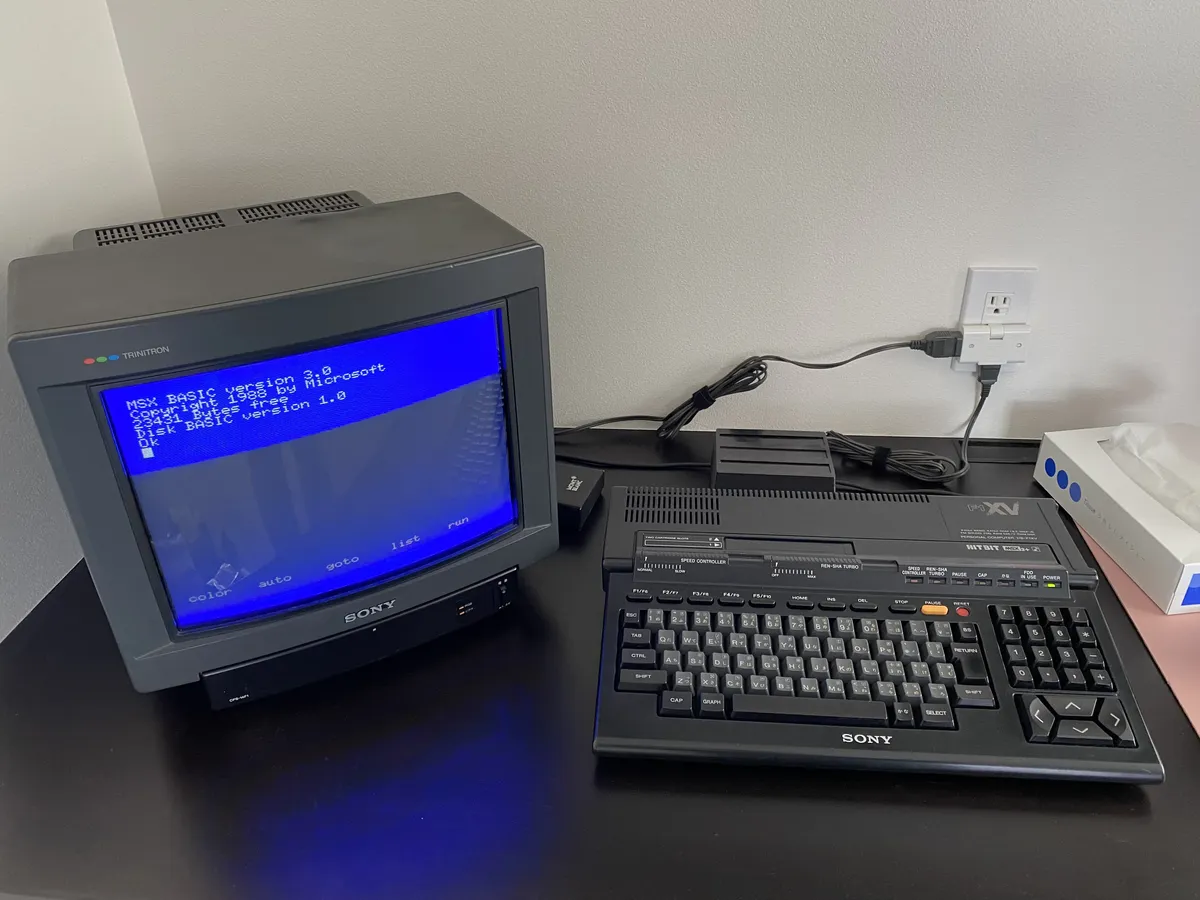
In recent years, there's been a resurgence of interest in retro computing platforms. Whether you're drawn to MSX out of nostalgia, curiosity about computing history, or a desire to explore a platform you never experienced the first time around, you might find yourself facing an unfamiliar environment. When you turn on an MSX computer (or fire up an emulator), you're greeted with either MSX-BASIC's distinctive blue screen with an "Ok" prompt, or MSX-DOS's command-line interface, both of which can be intimidating if you don't know where to start.
This article series is written with you in mind. I'll walk you through everything from understanding what MSX is, to navigating these environments, to writing your first programs. Whether you're using original hardware or exploring MSX through emulation, my goal is to help you feel comfortable and productive with these fascinating machines.
MSX: A Platform, Not a Product
Here's the key distinction: MSX isn't a computer made by one company. Instead, it is a specification: a set of technical standards that any manufacturer can follow. Think of it as a recipe that different companies used to build their own computers.
The MSX standard was developed through a partnership between Microsoft and ASCII Corporation, a Japanese publishing and software company. The driving force behind MSX was Kazuhiko Nishi, then vice president of Microsoft's Far East operations and president of ASCII Corporation. Nishi envisioned a unified standard that would bring order to the fragmented home computer market of the early 1980s. The name "MSX" itself has been attributed to various meanings, with "Machines with Software eXchangeability" being the most commonly cited, though Nishi himself suggested it could simply stand for "Microsoft eXtended."
If a computer meets the MSX specification, it earns MSX certification. This means that any MSX software will run on any MSX computer, regardless of who made it. The same is true for peripherals: an MSX joystick, printer, or cartridge will work with any MSX machine.

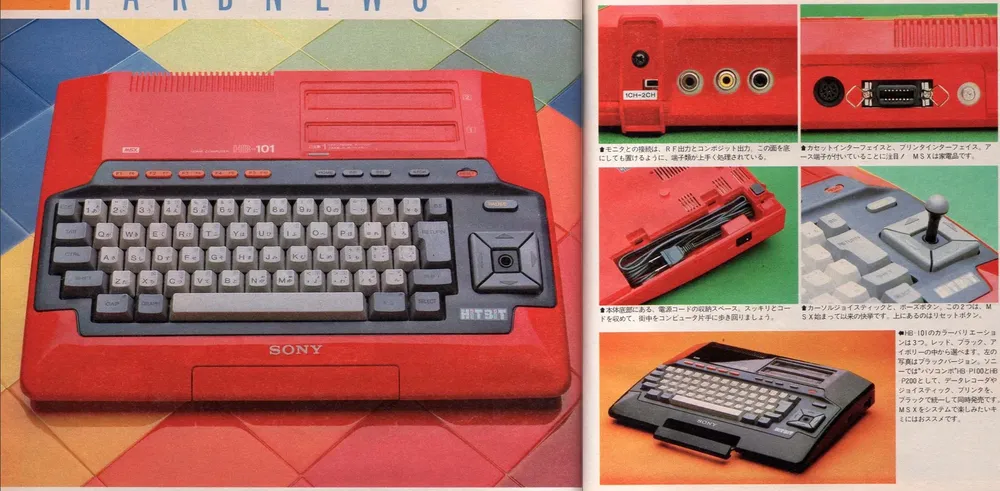
Between 1983 and 1993, hundreds of different MSX models were manufactured by major electronics companies including:
- Sony (Japan)
- Panasonic (Japan)
- Sanyo (Japan)
- Mitsubishi (Japan)
- Philips (Europe)
- Yamaha (Japan)
- Gradiente (Brazil)
- ...and many others
This approach was revolutionary for its time. Instead of being locked into one manufacturer's ecosystem, users have choices. If you prefer Sony's design or Panasonic's price point, you can pick either one, and your software collection will work on both.
Where MSX Thrived
MSX achieved its greatest success in Japan, where it became a dominant home computer platform throughout the 1980s. The platform also found strong adoption in:
- Europe (particularly the Netherlands, Spain, and the Soviet Union/Russia)
- Brazil (where it became extremely popular)
- South Korea
- parts of the Middle East
Interestingly, MSX never gained significant traction in the United States, where the market was already dominated by Apple, Commodore, and Atari.
Getting Started with an MSX Computer
When you set up an MSX computer, you typically connect it to your television using either:
- RF antenna cable (like a VCR)
- RCA composite video connector (the yellow video plug)
- Analog RGB SCART connector (on some European high-end models)
- Analog RGB 21-pin connector (some Japanese models, same connector as the European SCART, but not fully compatible)
- Digital RGB DIN-8 connector
Most MSX models will have a couple of these connectors. Some models specialized in video production, such as the Philips NMS 8280 or the Sony HB-F900, may have one or two more, as well as audio and video inputs.
When you turn on an MSX computer without a disk in the drive, it boots into MSX-BASIC, a built-in programming environment that comes with every MSX machine. From there, you can write programs or load software from various media.
However, if you have a disk drive connected, you can boot from a floppy disk containing MSX-DOS, an operating system that provides a command-line interface and file management capabilities. MSX-DOS is available on all MSX generations (MSX1, MSX2, MSX2+, and Turbo-R) as long as a disk drive is present. Later versions of MSX-DOS (particularly MSX-DOS2) added enhanced features like subdirectory support and improved memory management.
Software Distribution: Three Formats
MSX software came in three main formats, each with its own advantages and drawbacks:
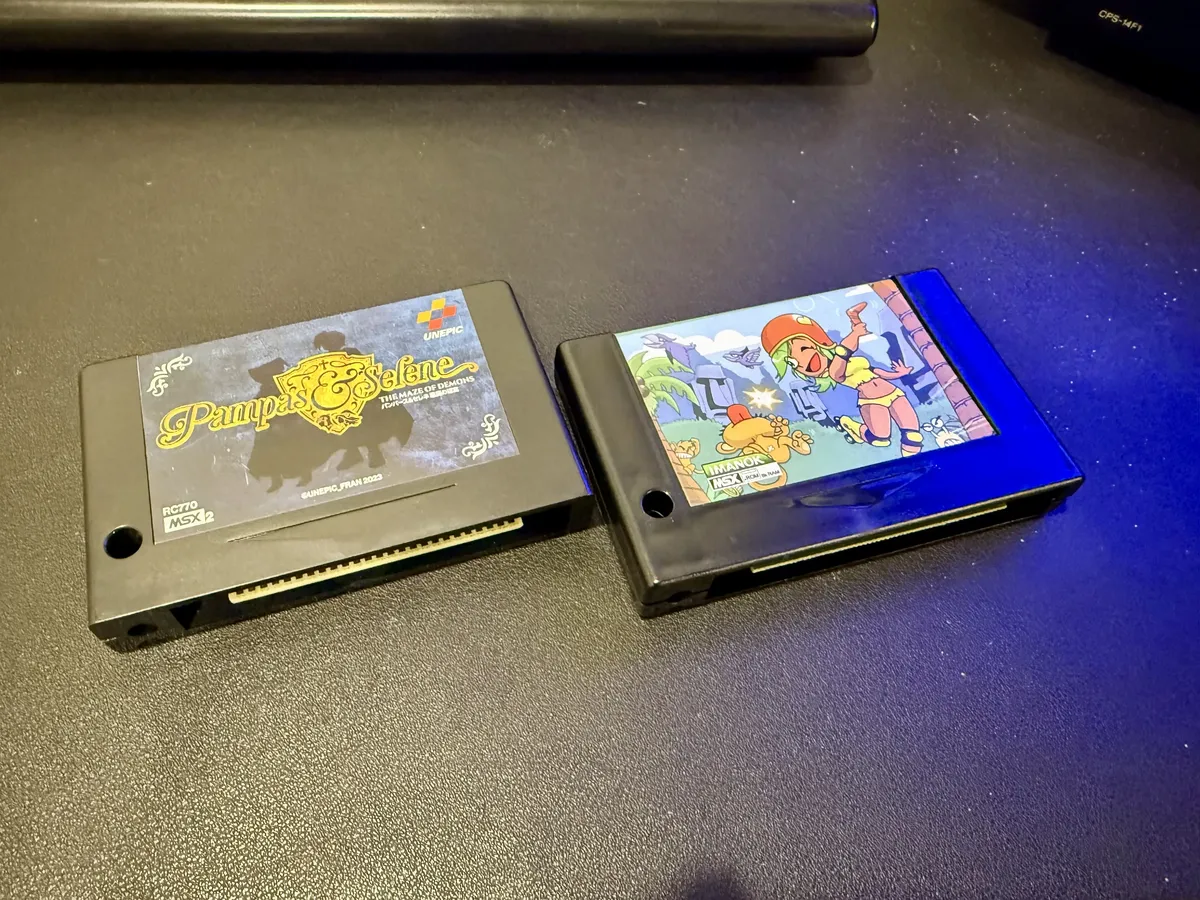
Cartridges (ROM)
Advantages:
- Instant loading: just plug in and turn on
- Most reliable format
- No wear or degradation over time
Disadvantages:
- Expensive (around $50 per game in the 1980s)
- Limited capacity
- Could not be modified or saved to
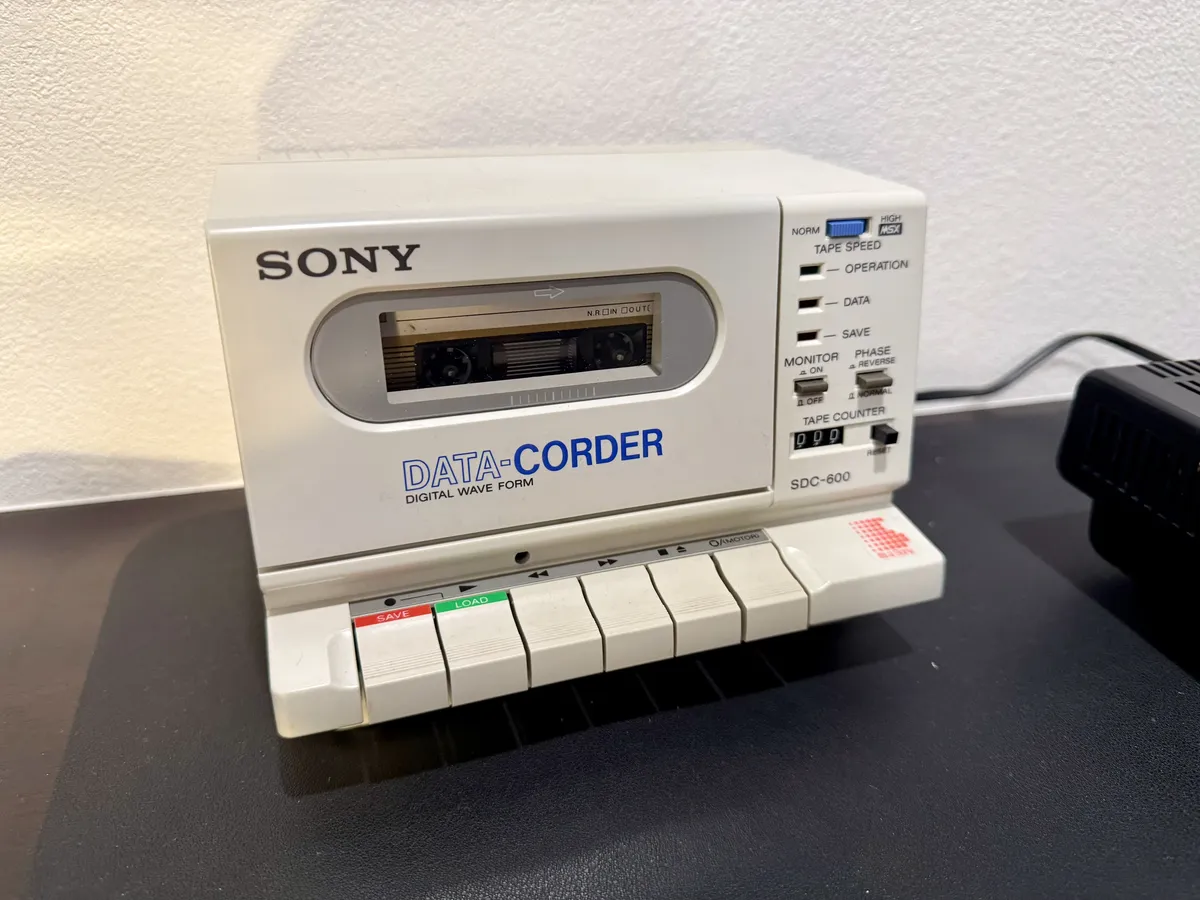
Cassette Tapes
Advantages:
- Very affordable
- Could record your own programs
- Widely available
Disadvantages:
- Slow loading speeds (5 minutes for a typical 32 KB game)
- Data transfer rates of only 1200-2400 baud
- Prone to errors and degradation
- Required careful tape position management
Despite their slowness, cassette tapes are the affordable option for many users, especially in regions where cartridge prices were prohibitive.
Floppy Disks
Advantages:
- Fast loading (seconds instead of minutes)
- Large capacity (360-720 KB)
- Rewritable
- Reliable
Disadvantages:
- Requires purchasing a disk drive (expensive peripheral)
- More delicate than cartridges
For serious users and developers, floppy disks are the preferred medium, offering the best balance of speed, capacity, and cost per megabyte.
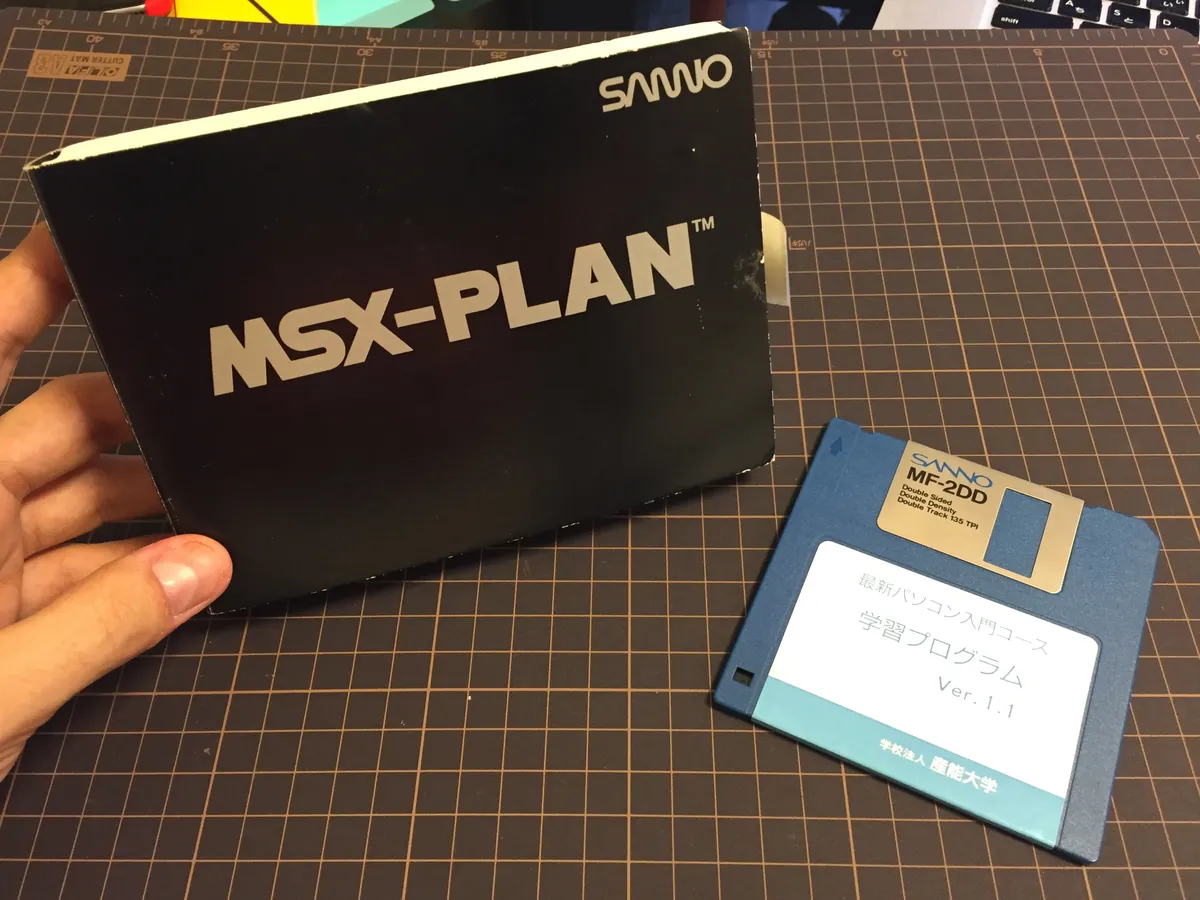
Some MSX computers come with an internal 3.5" floppy disk drive (and very few have two). A very small number of MSX1 computers come with a tape drive, and all of them (except for a couple of very specific single-purpose exotic models) have at least one cartridge slot.
A Note on Piracy
It's worth mentioning that outside of Japan, where cartridge prices were high, software piracy was rampant. Many local publishers offered "budget" cassette versions of popular games, and users frequently copied software between cassettes. While this practice was technically illegal, it helped the platform grow in regions where the official pricing put software out of reach for most consumers.
The Four Generations of MSX
The MSX standard evolved through four distinct generations, each adding new capabilities while maintaining backward compatibility:
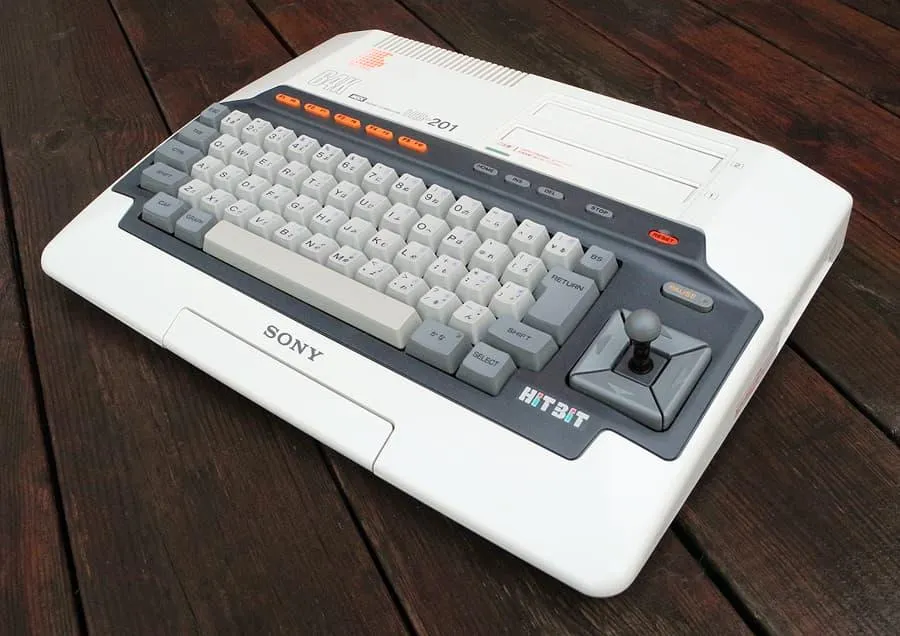
MSX1 (1983)
The original specification. These computers had:
- Zilog Z80A processor running at 3.58 MHz
- 16-64 KB of RAM (expandable)
- Texas Instruments TMS9918A video processor
- General Instruments AY-3-8910 sound chip
- MSX-BASIC 1.0 in ROM
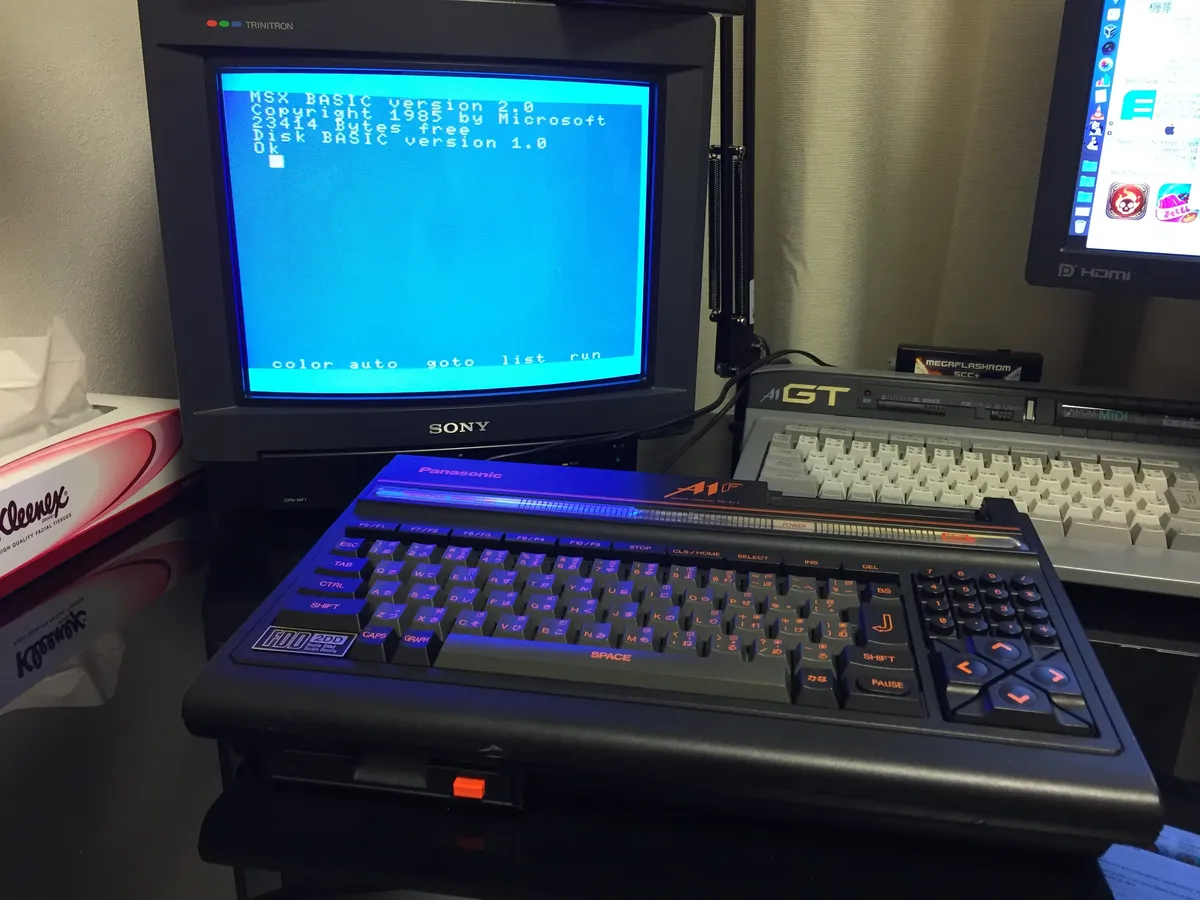
MSX2 (1985)
An enhanced version with:
- Improved Yamaha V9938 video processor
- Better graphics modes and more colors
- 64-128 KB of RAM standard
- Better sound capabilities
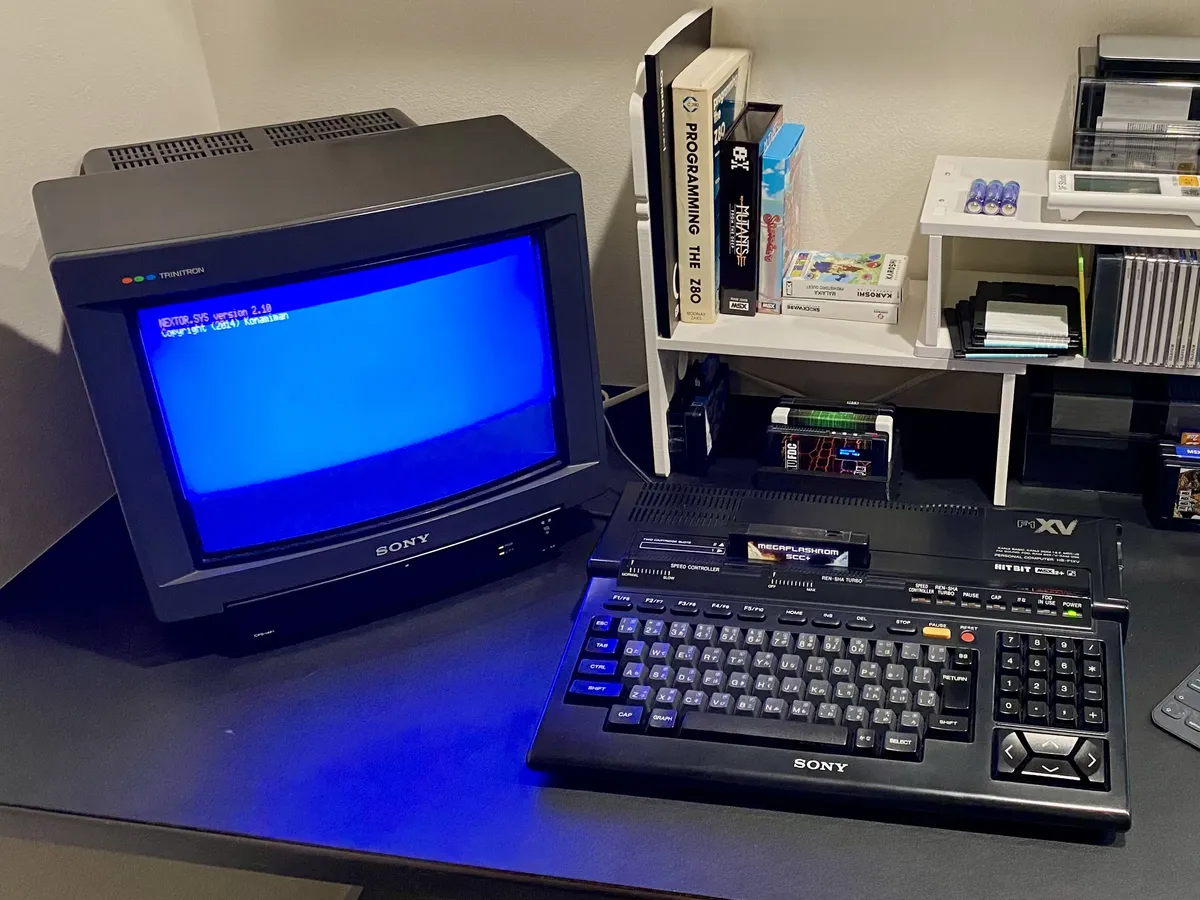
MSX2+ (1988)
A Japanese-market upgrade featuring:
- Yamaha V9958 video processor
- Enhanced graphics and kanji (Japanese character) support
- Better color palette
- Primarily sold in Japan
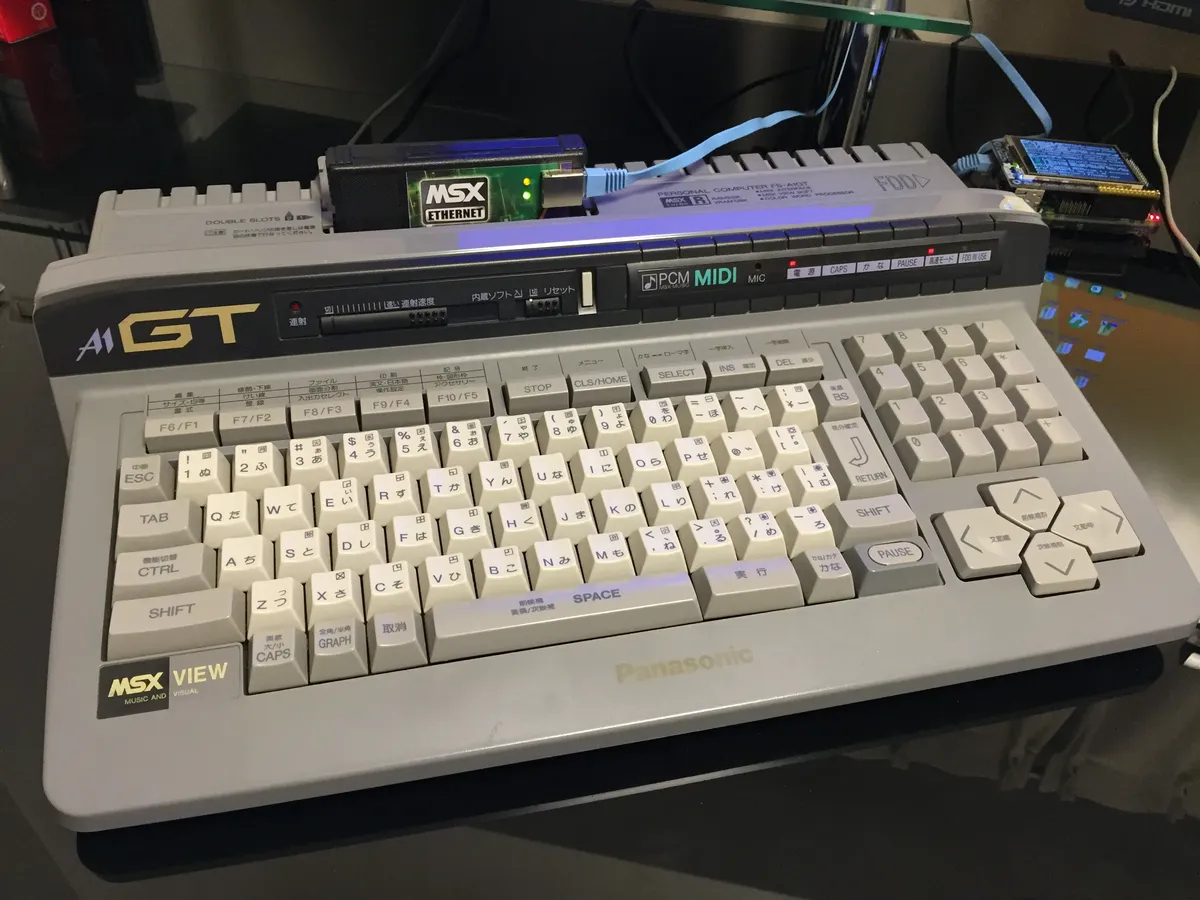
MSX turbo R (1990)
The final and most powerful generation:
- Upgraded R800 processor (compatible with Z80, but faster)
- PCM audio capabilities
- Improved performance across the board
Only two models were ever released, both by Panasonic, before the line was discontinued in 1991. These are among the rarest and most sought-after MSX computers today.
Backward Compatibility
One of the MSX standard's greatest strengths is backward compatibility. An MSX2 computer can run MSX1 software. An MSX2+ can run MSX2 and MSX1 software. And the Turbo-R can run software from all previous generations.
This means that as you upgrade to a newer MSX model, your entire software library comes with you, a feature that wasn't always guaranteed with other computer platforms of the era.
Why MSX Matters Today
While MSX production ended in the mid-1990s, the platform maintains an active community of enthusiasts, developers, and collectors. Modern tools and emulators make it easier than ever to experience MSX computing, and new hardware projects continue to emerge.
Understanding MSX as a platform, rather than a single computer, is key to appreciating its unique place in computing history. It was an early attempt at creating an open standard for home computers, predating later efforts like the PC-compatible market by establishing a complete specification that anyone could implement.
In the articles that follow, we'll explore how to use MSX computers, both on original hardware and through emulation, and I'll dive into programming these fascinating machines.